


Languages
- enPrimary
EUPvP ruleset
 EU
 PvP ruleset
Raid nights
- Restoration Shaman
- Holy Priest
- Mage

Active just now
For guilds
Recruitment, roster management, raid planning, a Discord bot and an in-game addon. What you do in one shows up in the others, so nothing is typed twice.
Already running a guild in the game? Import it with its roster. There is nothing to download, and none of your members needs an account.
Free. Your guild gets its page, its roster and its raid nights.
For a guild that already plays together. Its Guild Master imports it alone, with nothing to download, and nobody else has to sign up.
Then add the Discord bot. Your raiders press Going in your Discord, say once which character is theirs, and an officer approves them. They never have to visit the site, and you plan the raid in Raid HQ with everyone who answered.
Create a guildOnly the character that leads the guild in the game can import it, as Blizzard lists it. Blizzard shows a new guild or a new member only after a logout; until it does, your guild is here and is verified once Blizzard shows who leads it. Members under level 10 or on an alt or bank rank stay off the roster, and so does anyone who already has a character on Guilds Forever: they join with it themselves.
Would rather not connect Battle.net? The Windows app can import your guild from the game too. A guild imported that way is not In-game verified.
1 of 5
Your guild gets a public page and a card in the guild finder, with its raid nights and the classes it needs.
Players apply there. You talk to each one in the application’s chat, then invite the ones who fit.
The site also shows your guild to players whose class and raid nights fit yours.
See guilds recruiting now2 of 5
One roster for the whole guild, with the ranks you name and each member’s characters under one row.
Bring your members in from the game in one press, or let them join from your Discord.
Attendance and loot history fill in from your raid nights.
3 of 5
Raid HQ is one window for every raid night: sign-ups, the lineup in parties of five, soft reserves and attendance.
Plan each boss phase by phase: where the raid stands and who does what.
See a sample raid4 of 5
Each raid night is posted in your own server with sign-up buttons, and your raiders answer there.
New applications arrive in your officers’ channel, and Discord roles follow your roster.
See what the bot does5 of 5
Type /gf in the game and the addon opens on tonight’s raid: when you pull, your group and your job.
The same window holds your roster, Guild stock, Trade logs and the Inactivity tracker.
The Windows app installs the addon and links it to the site.
See the addon and the Windows appGet the addon on CurseForge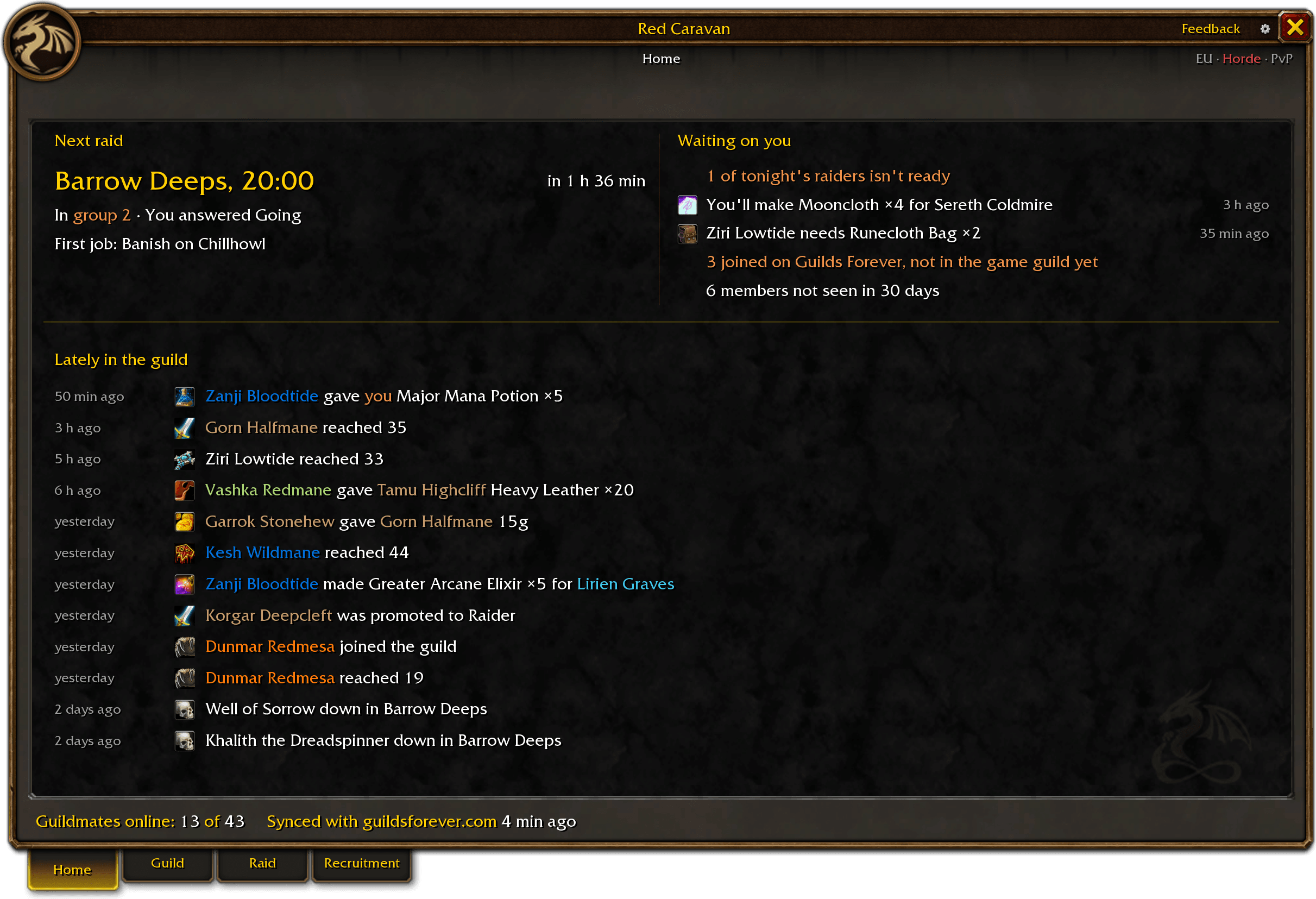
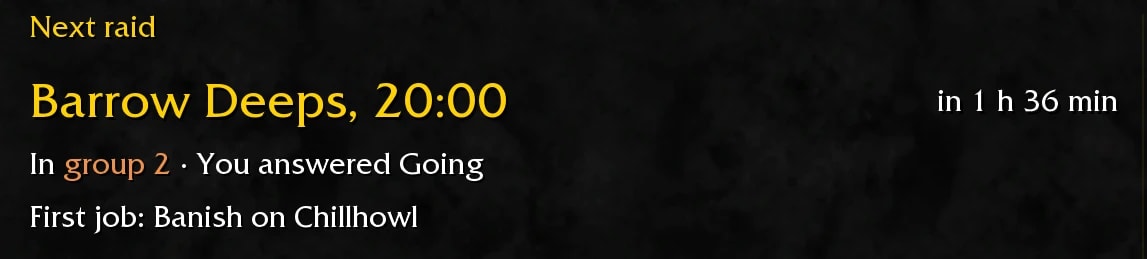
Vexis presses Going in Discord and has a seat on the lineup on the site. In the game, the addon shows the raid, the group and the job.
Nothing is typed twice.
Your guild’s page, the roster, the calendar, Raid HQ, the Discord bot, the addon and the Windows app are free, for every guild.
Guild boosts are optional. Members who want to can boost their guild, which changes how its card looks and where it is shown, not what these tools do.
What is free and what boosts add